Check out all these awesome vendors!!! Huge giveaway and sale at the soulographer.
click here for details:
http://soulographer.com/
click here for details:
http://soulographer.com/
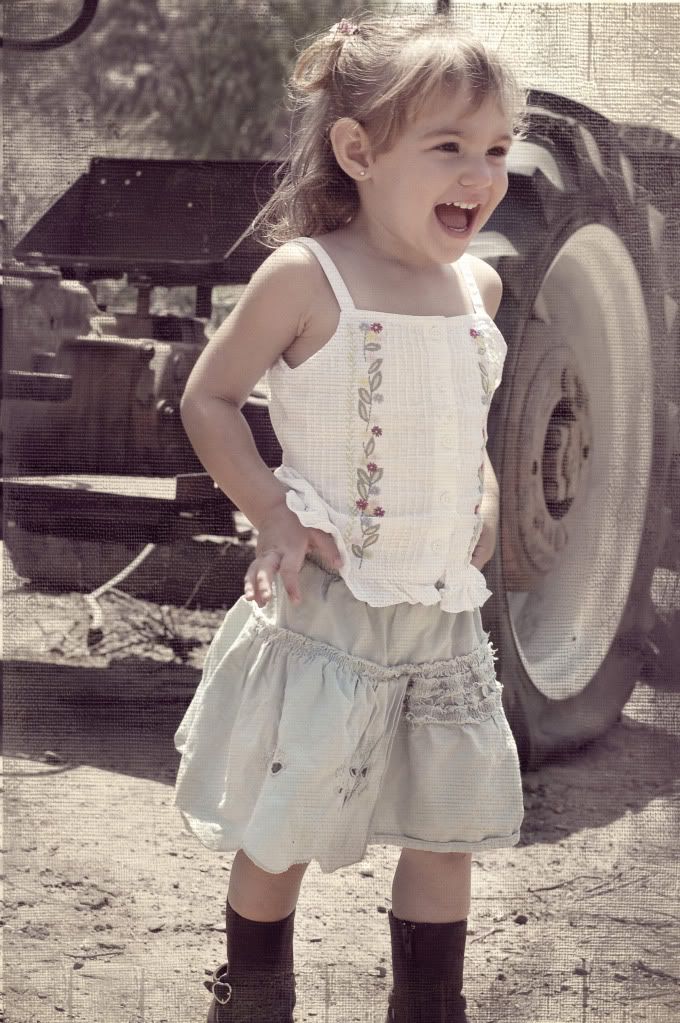
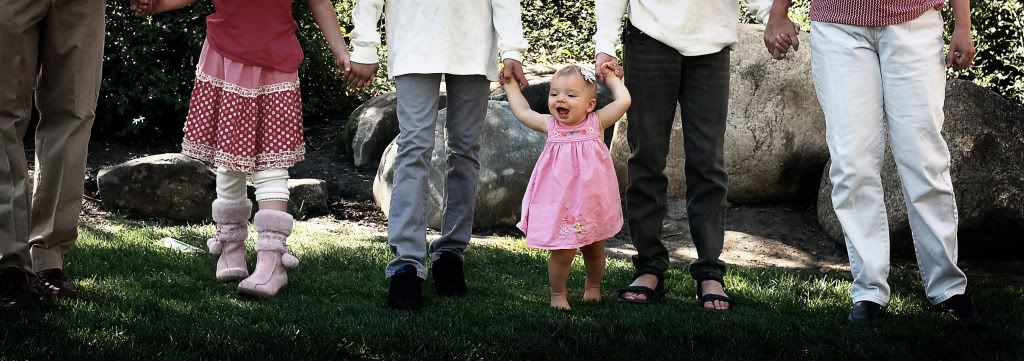
 I wanted to highlight this cute little toddler, but I wanted to give her a sense of belonging, so I put her parents in the background, out of focus to give more of a story to the photo.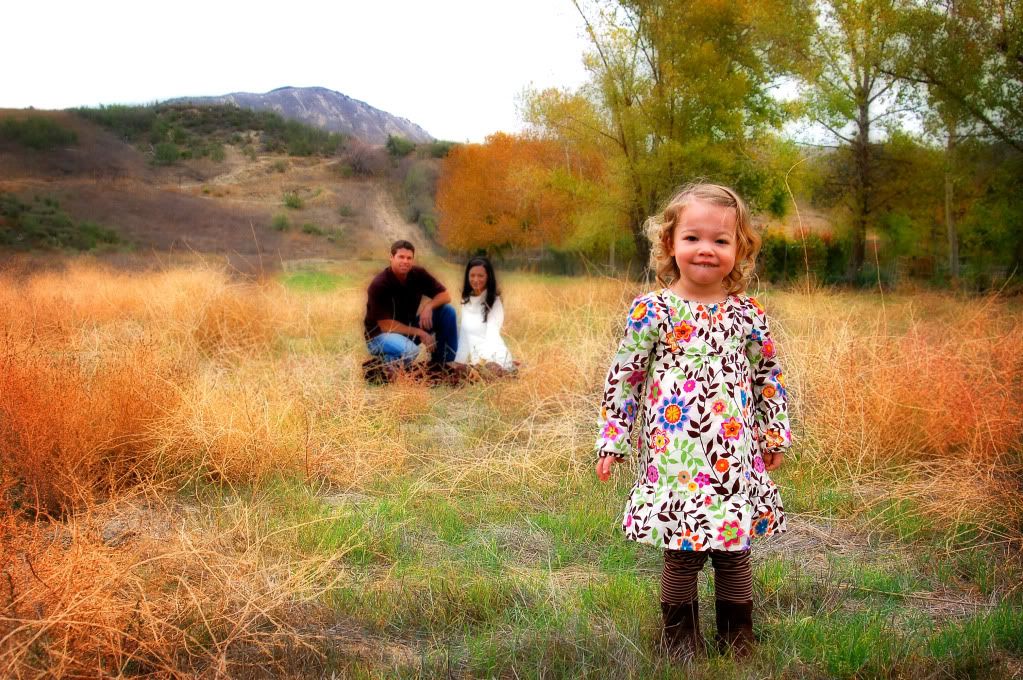



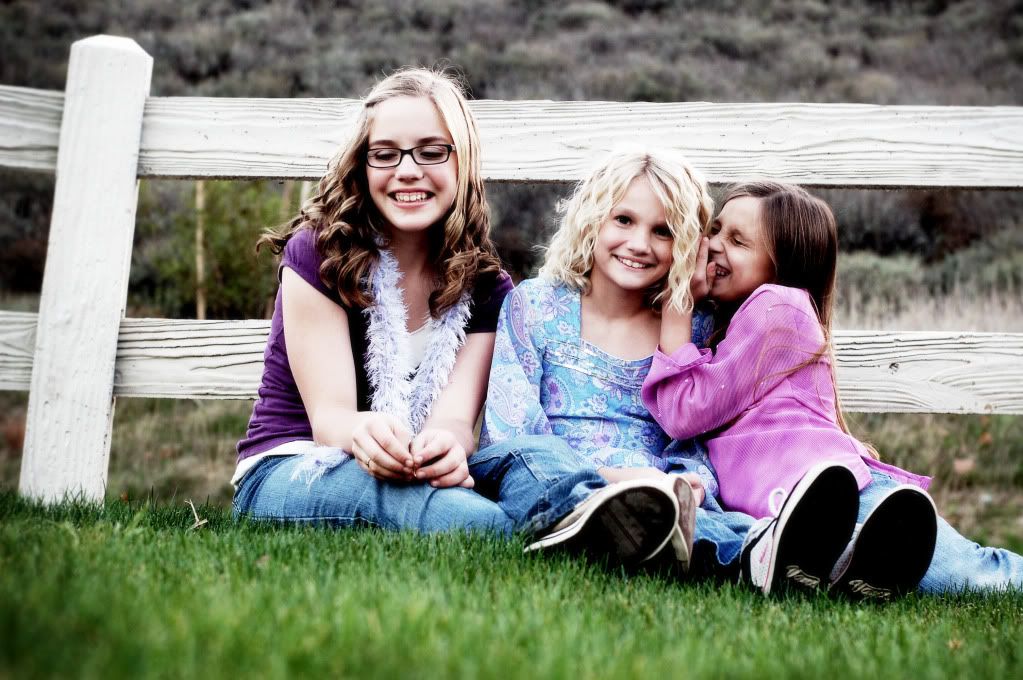
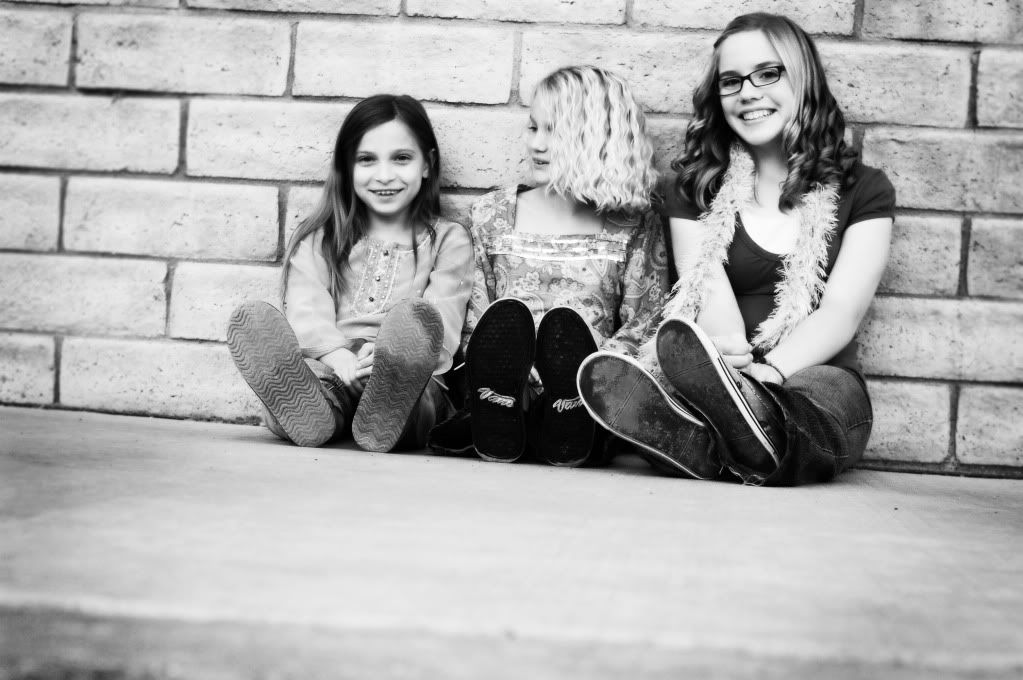
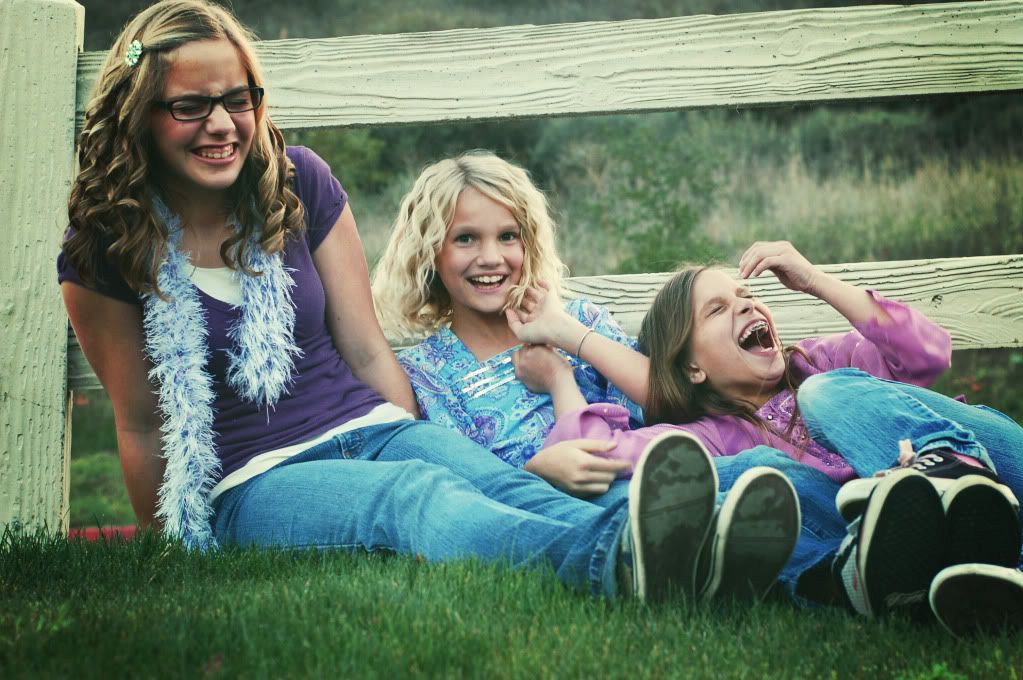
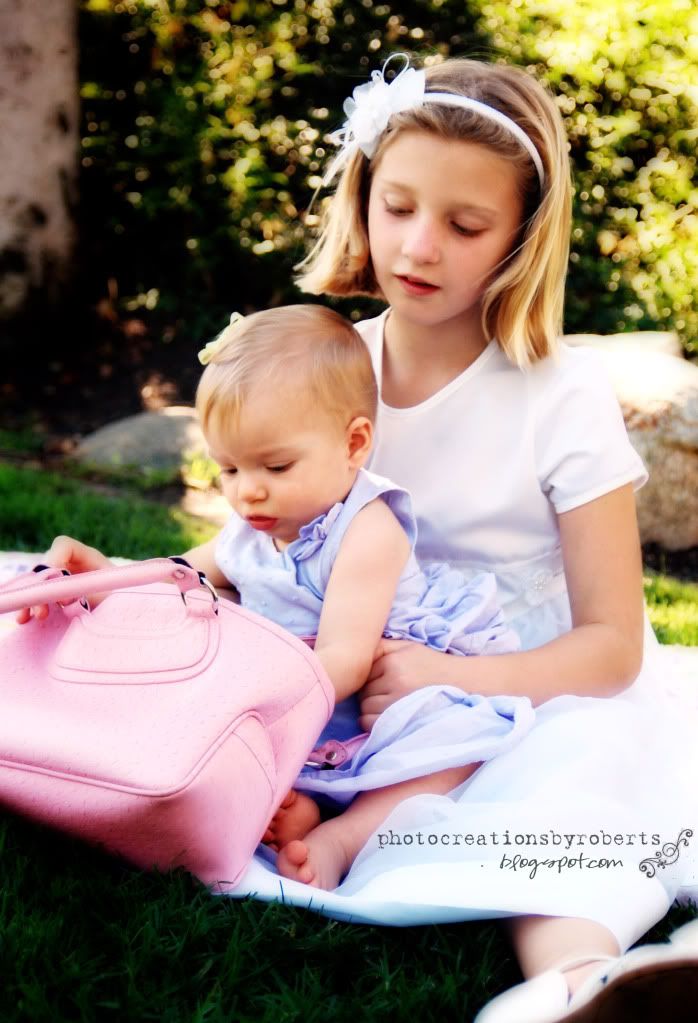
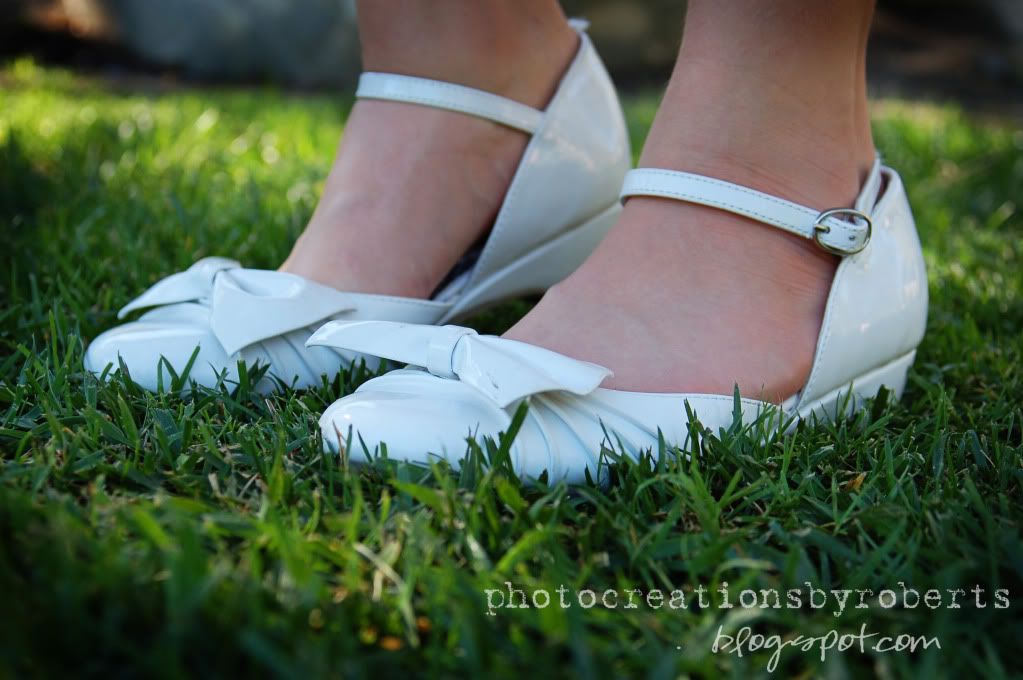
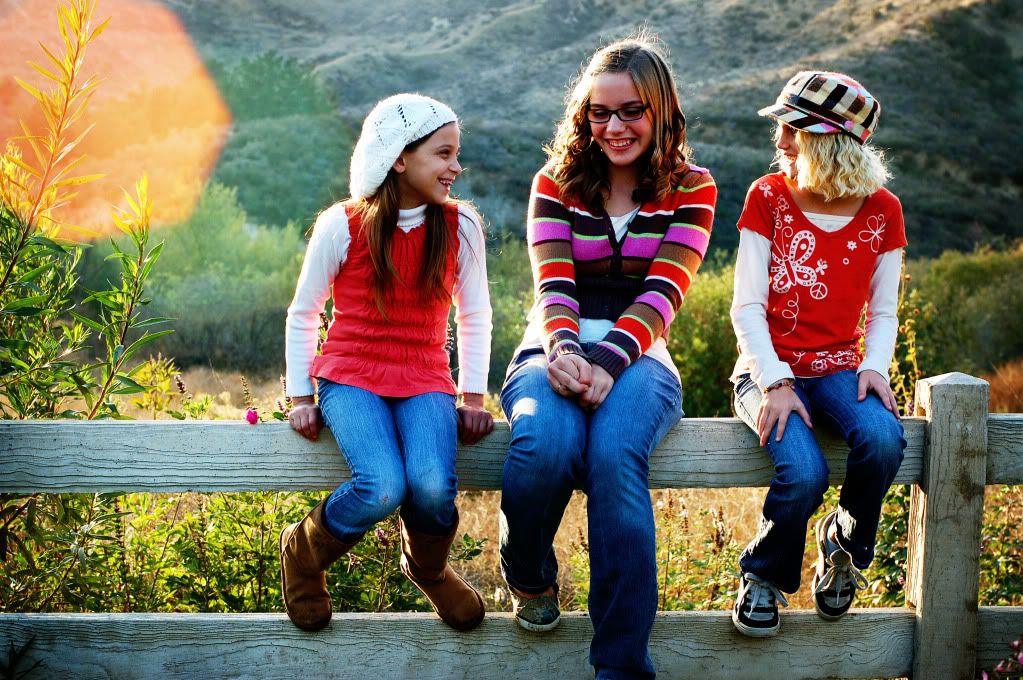
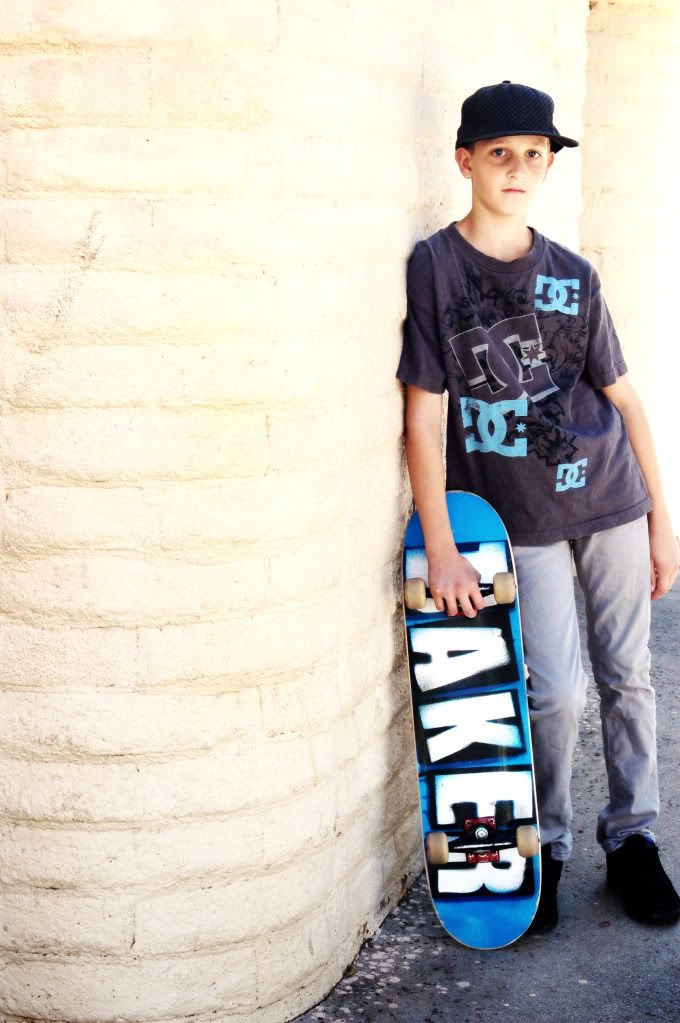
 I posted some sneak peak pics of these gorgeous girls, discussing the use of sun in the photo to give it a very unique look. Well later in the day of picture taking, the sun went down when the girls did a clothing change. So I went for more of an urban feel and tried new angles. I laid on my stomach and shot the picture below very close to the ground and I absulutely love the way it looks from this anle. I asked the girls to stop 'posing' and just be themselves to capture a moment, rather than a posed shot. There is something so precious about these candid moments.
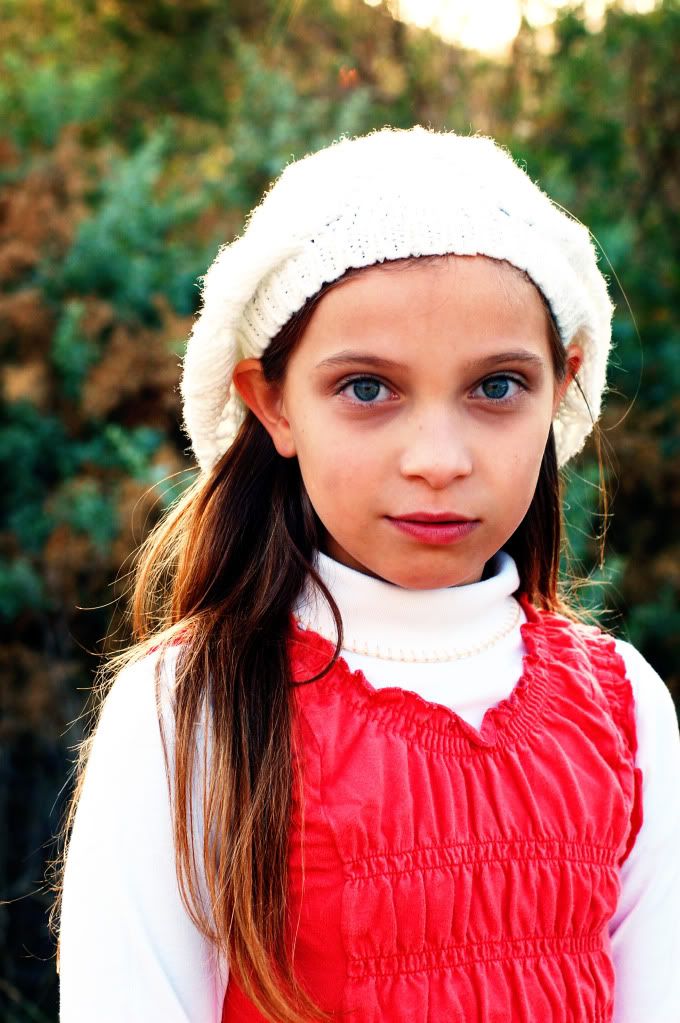
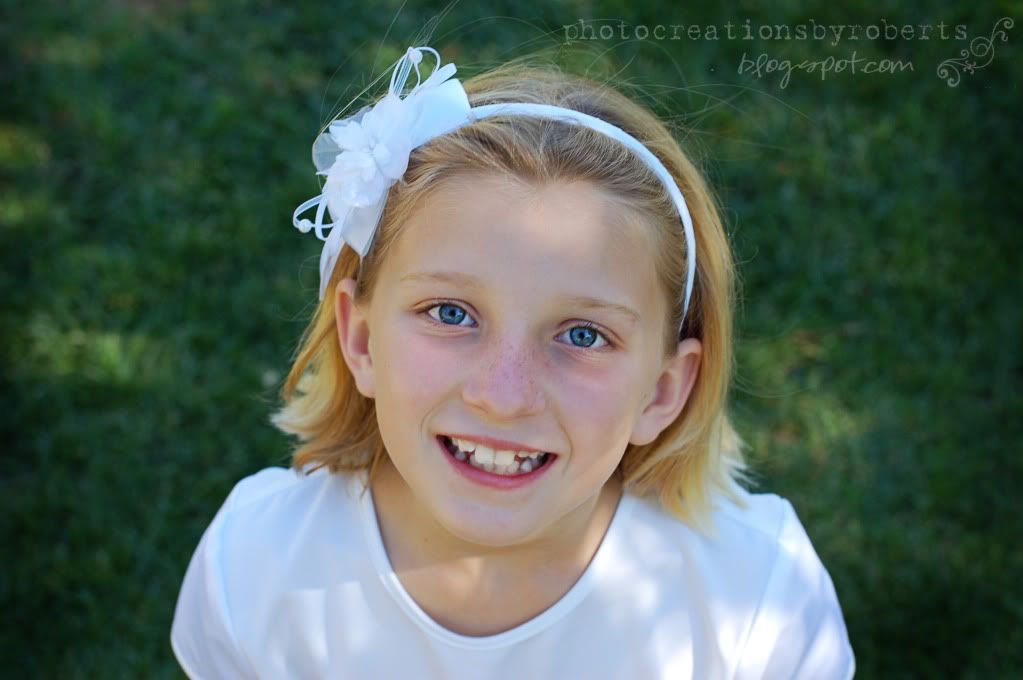
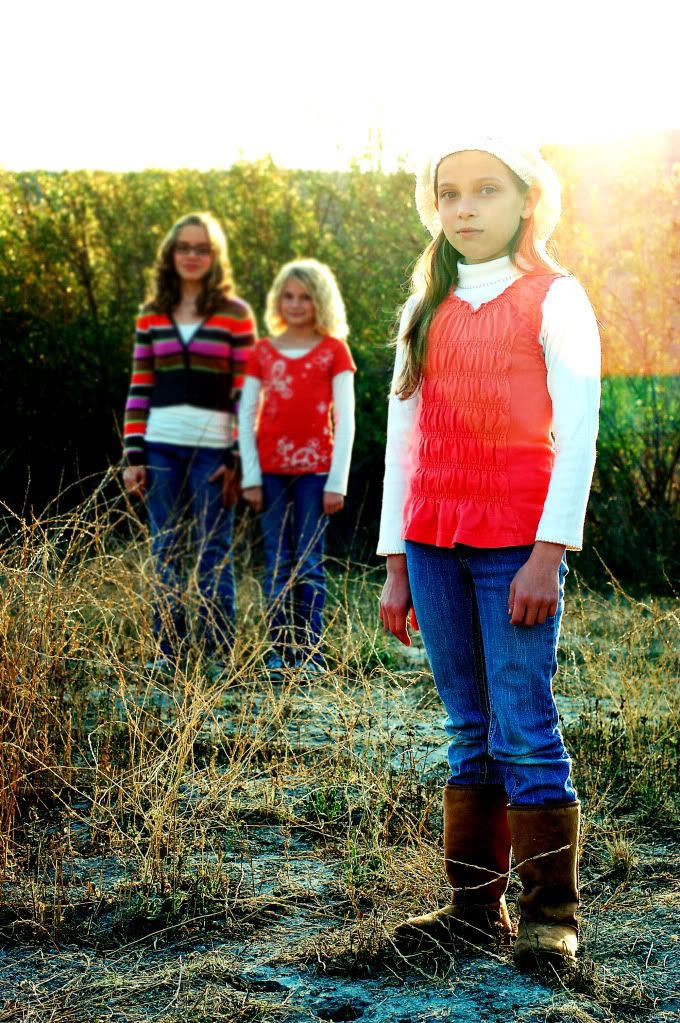
 Ok, so the pic below is posed, but I just love her eyes, I just had to add this pic to the post. If they have green eyes, get some green in the background to help them pop, same with blue eyes. It's just a little tougher to find blue backgrounds.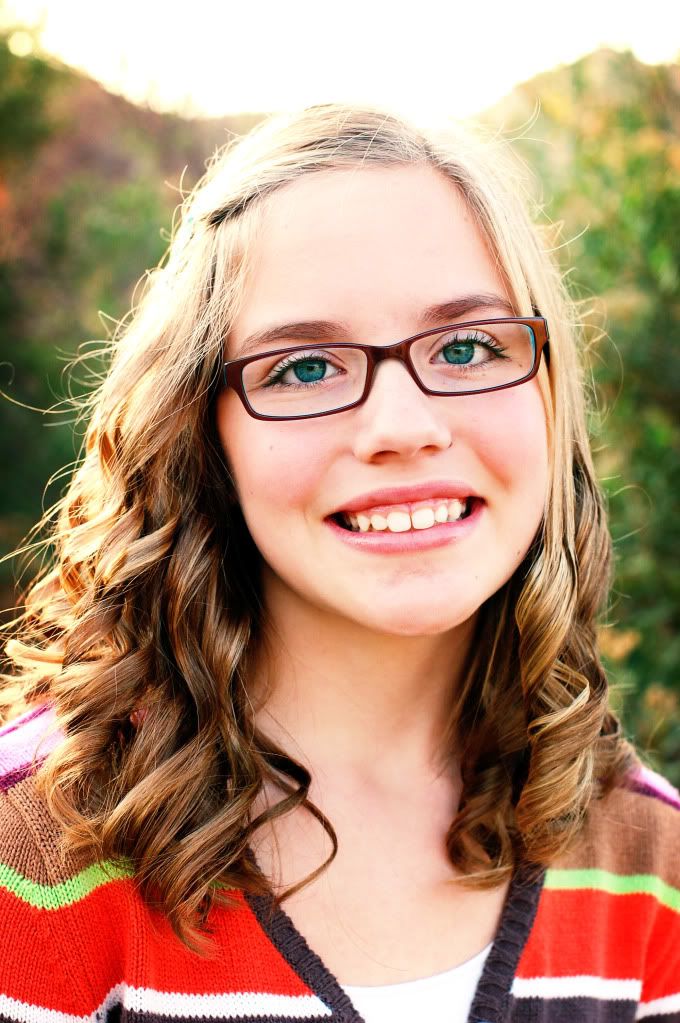
.JPG)






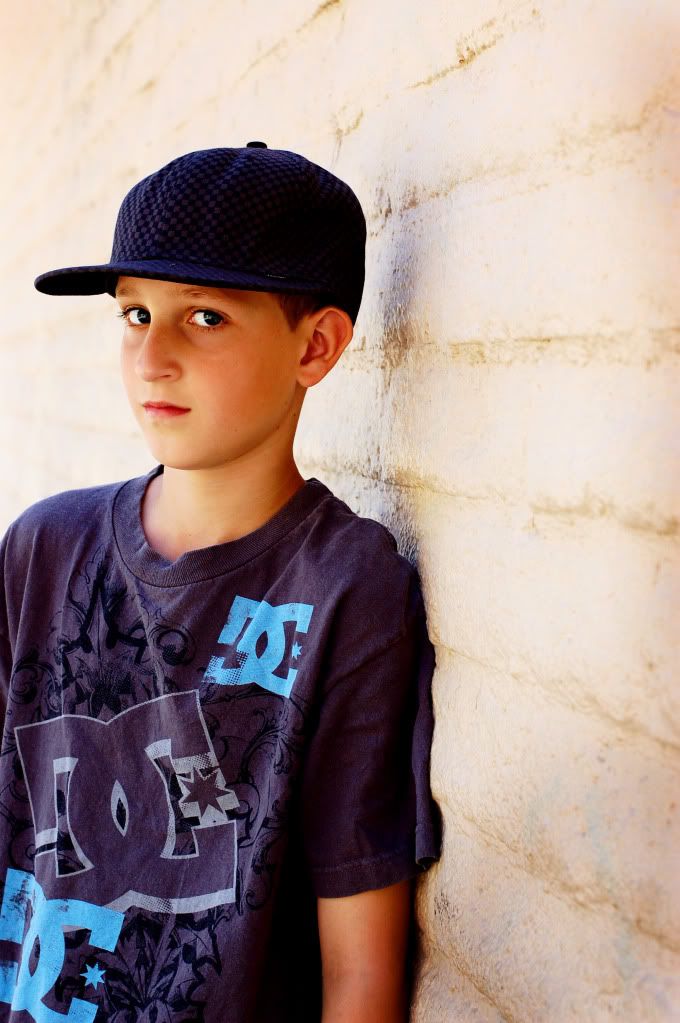
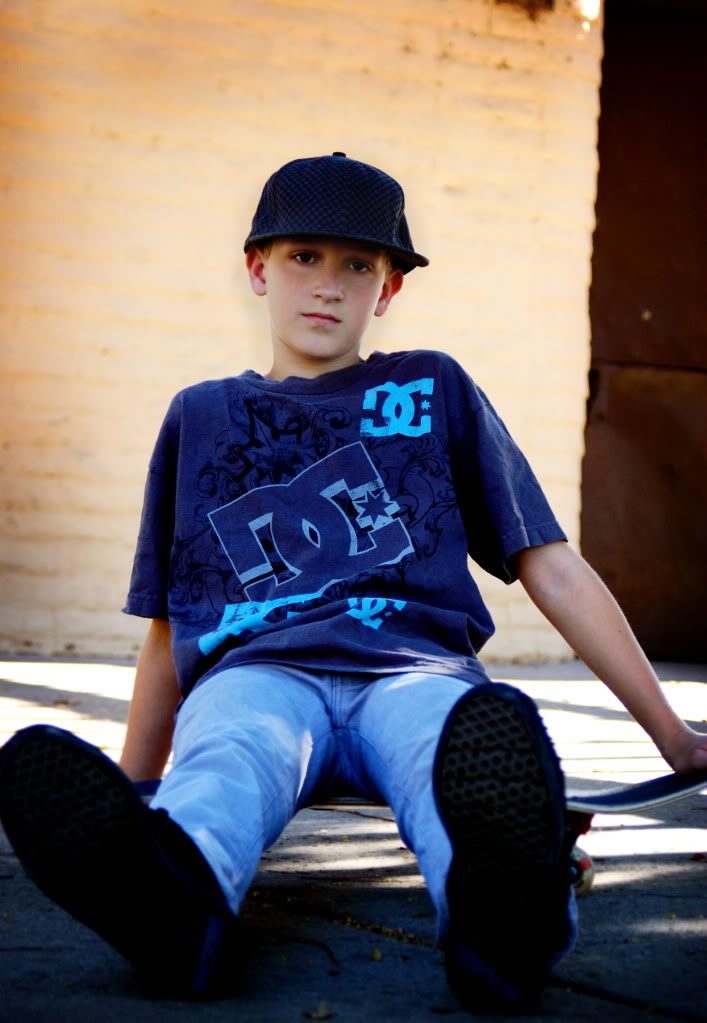


 to this AFTER:
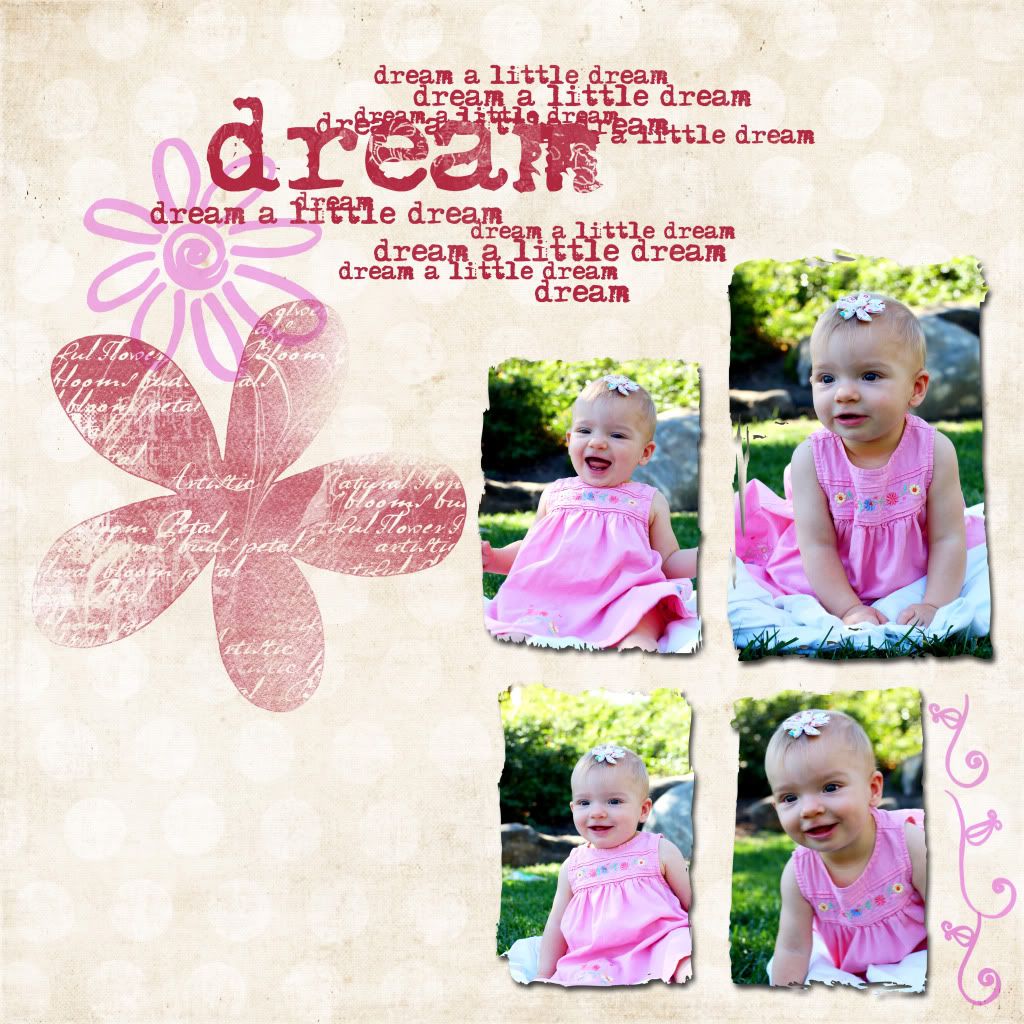
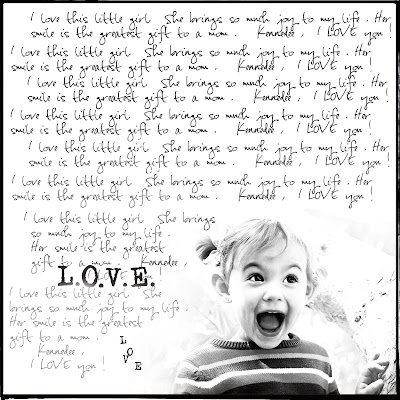 but, I played with it enough to make the background as light as possible after first making it black and white. Once i did that, I placed the photo onto a 12 x 12 new page. I placed it in the corner. I got my eraser tool and set it to 33% opacity and erased around the edges of the photo so it wasn't a blunt rectangle. Then I got my type tool and wrote a few sentences about my daughter, copy and repasted it all over the 12 x 12 layout, staying clear of the photo part. I used my eraser tool with a low opacity to lighten up the text on the bottom left hand corner so that when i wrote the word l.O.V.E, you could see it better. And I finished it off with a border.
  option #2




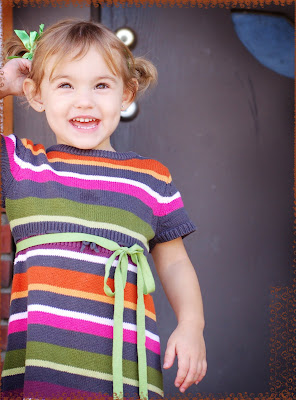 Obviously, in the two photos below, I used a white colored clipping mask.
 I used the photo below for the FIRST image you see in this post. Once I attached the clipping mask, I dragged this image onto a white blank document. I added a dark scratch overlay (using a layer mask to erase the effect of the overlay from the photo) and then added some fun text.
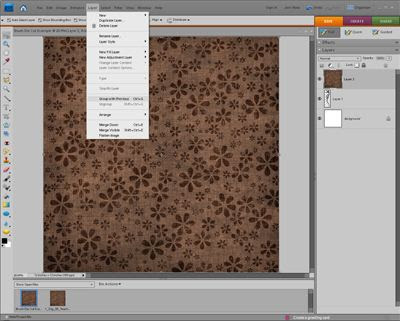
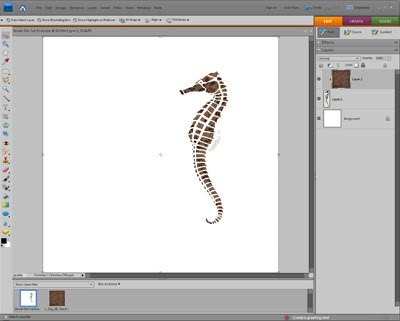
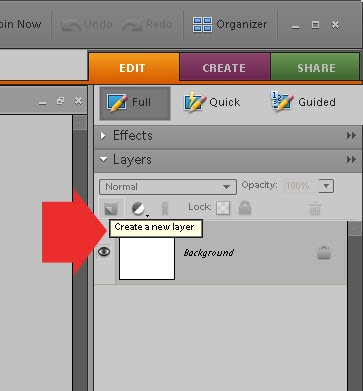 Now, pick a brush and stamp it directly onto that new layer. In this example a SEA HORSE will be used.